ChipboxTUTORIAL
Slow down at the end of a song, or speed up into the chorus.
1Two tempos
You need two pages with different tempos. Do the Tempo Changes lesson first
2Glide
Open the first page in step entry and tap
SEL. A little curve shows up by the tempo. It goes down if the next page is slower and up if it's faster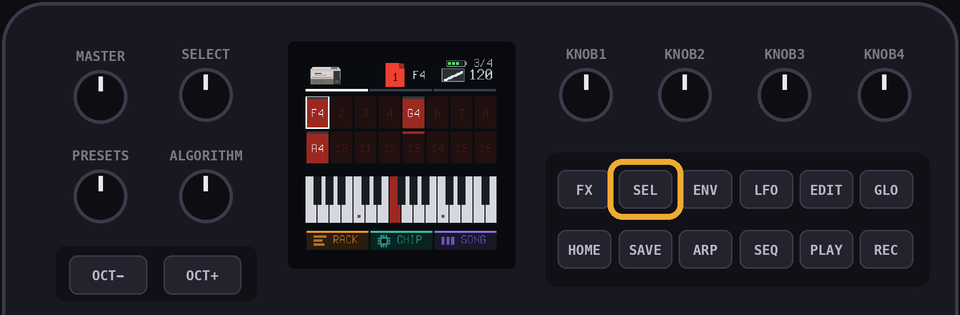
Tap
SEL again for the next shape. Straight moves at a steady pace. Ease in waits and changes late. Ease out changes early and settles. One more tap and it's off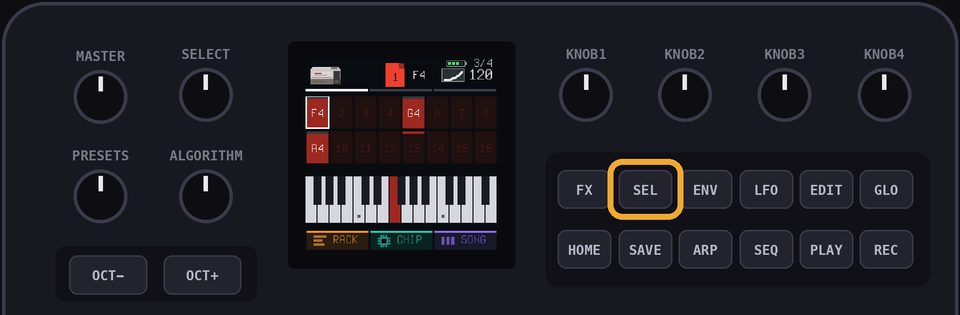
3Hear it
Hit
HOME until you're in the SONG view, turn SELECT to slot 1 and hit PLAY. The tempo eases from this page's into the next page's, a little more at every step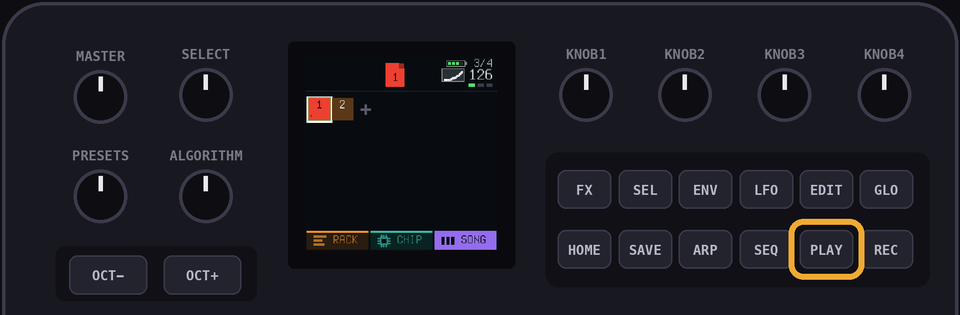
PROTIP: Want a ritardando at the end? Glide the last page into a slower one after it, and pick ease in so the slowdown comes late. The last slot has nowhere to glide to, and a page you loop never glides
PROTIP: Load Meters waltz from the Projects page to hear a song that uses every one of these