ChipboxTUTORIAL
A page can be up to 64 steps long. Four bars, five bars, however many you need.
1More bars
In step entry, turn
KNOB 4. Every click adds a bar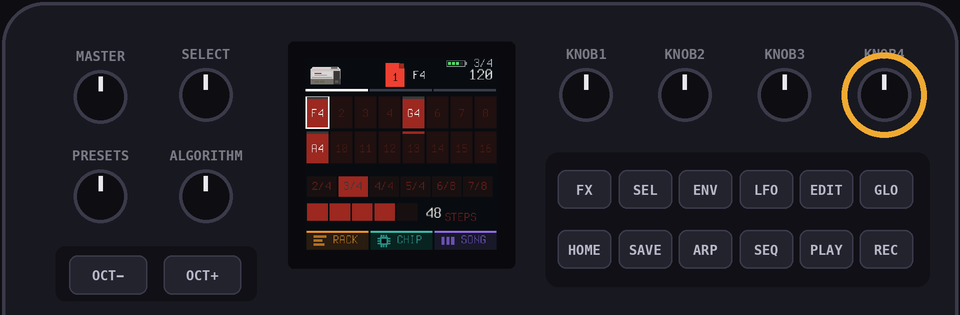
PROTIP: A page can have up to 64 steps. That's four bars in 4/4 and five in 3/4
2Find your way around
A page of more than 16 steps shows 16 at a time. The line under the top bar shows which screen you're on
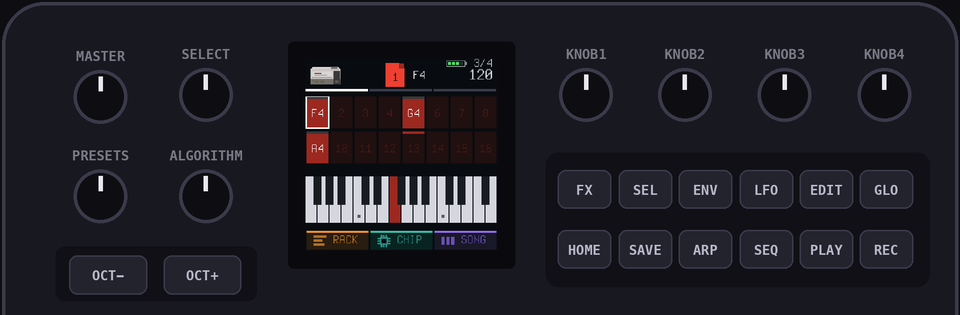
Turn
SELECT past step 16 to reach the next screen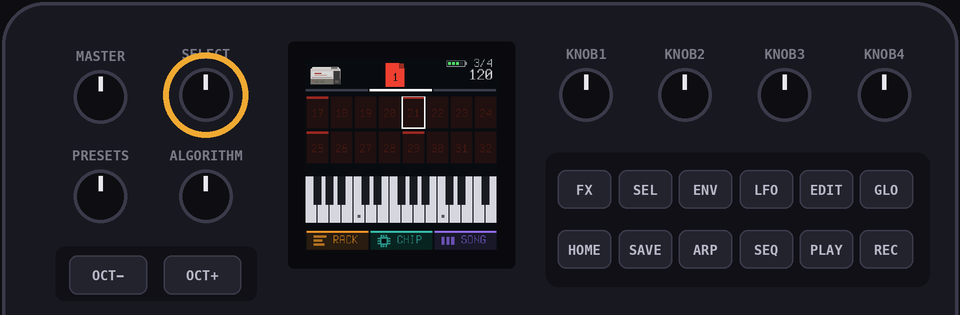
3Hear it
Hit
HOME to go back to the RACK view, then hold PLAY. The rack follows the playhead from screen to screen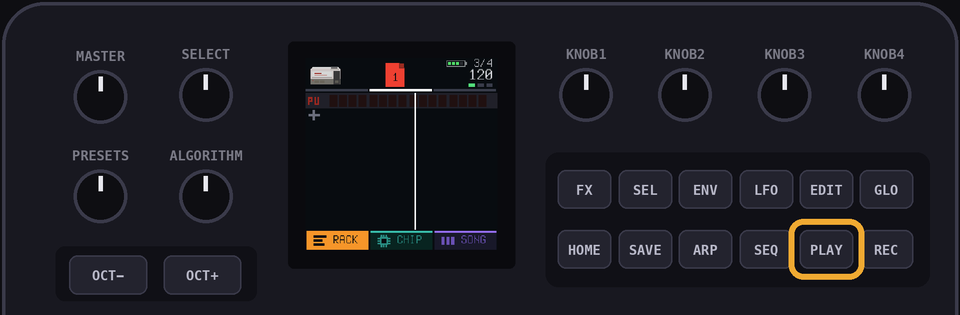
PROTIP: On a drum channel,
SELECT turns whole screens. Press the white keys to place hits on the screen you're on