ChipboxTUTORIAL
Not everything is in four. Give a page its own meter, and write a waltz.
1Open a page
Pick a channel in the RACK view and hit
SEQ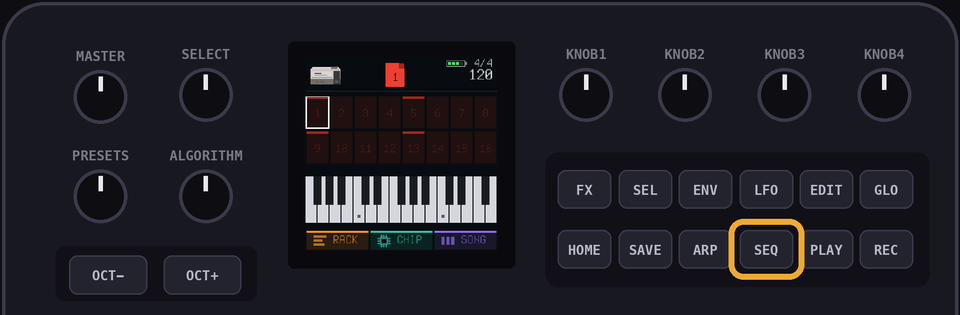
2A few notes
Press a key to write a note and move on. Turn
SELECT to skip a step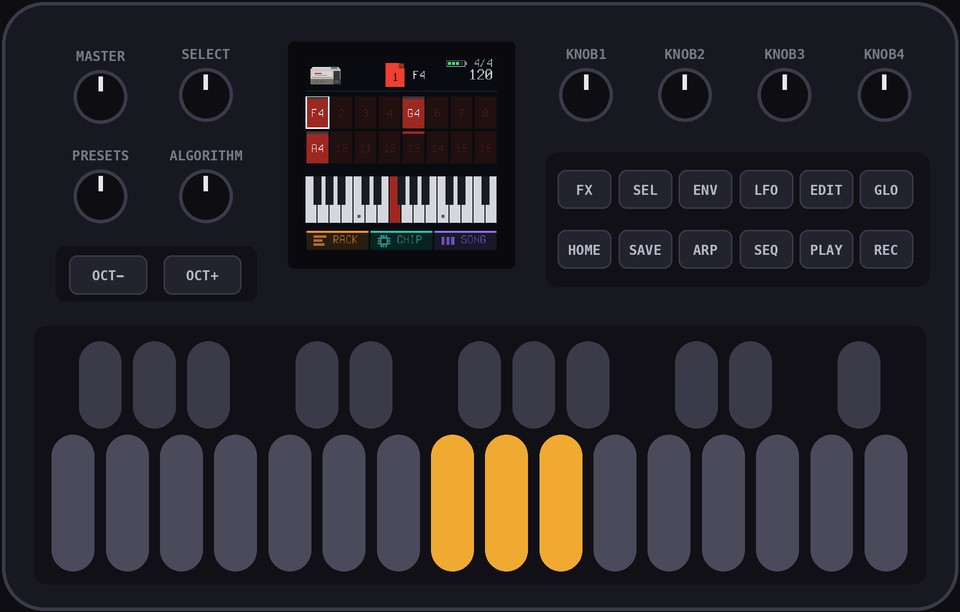
Put a note on steps 1, 5 and 9. That's the beat
3Make it a waltz
Turn
KNOB 3 down to 3/4. The page is 12 steps now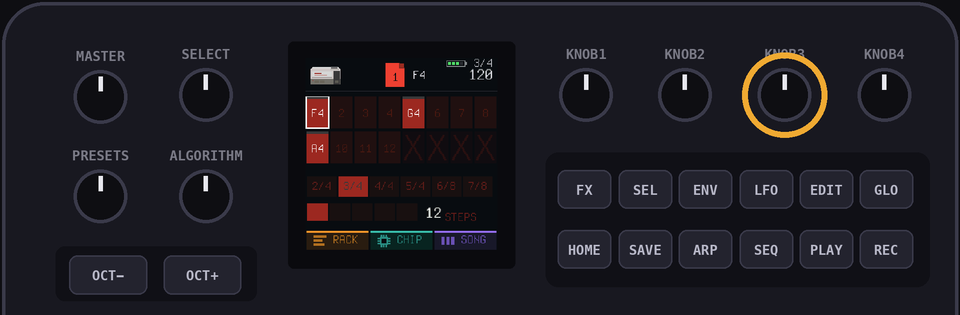
Steps 13 to 16 get crossed out. They're skipped when the page plays
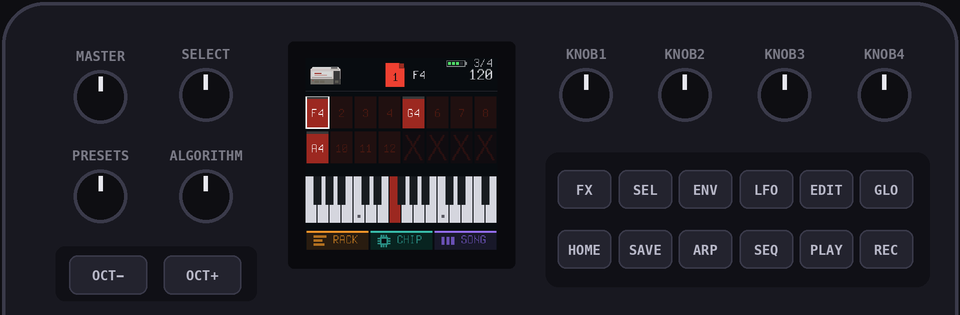
Hit
PLAY. The dots under the tempo count three beats now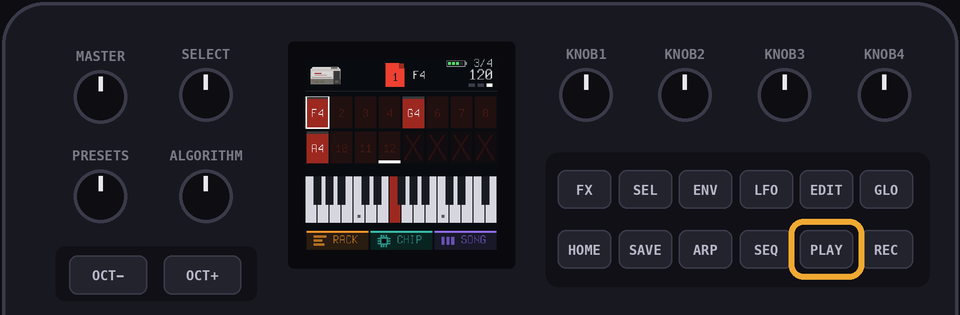
PROTIP: A note on a crossed-out step stays where it is, greyed out. Turn
KNOB 3 back and it returns4Other meters
Turn
KNOB 3 to try 6/8 and 7/8. The stripes show where each group of beats starts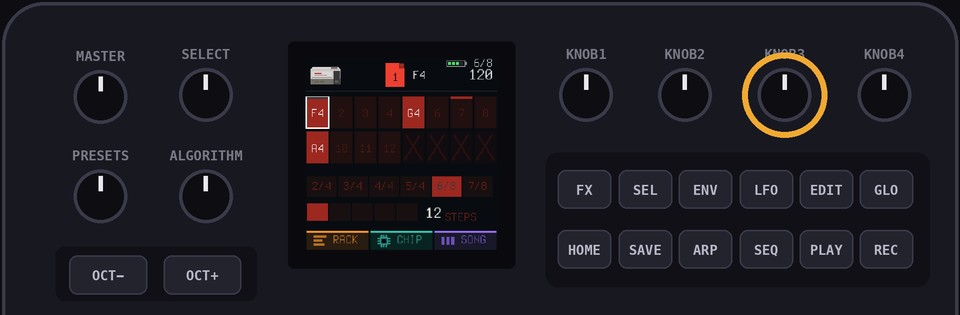
PROTIP: The meters go 2/4, 3/4, 4/4, 5/4, 6/8 and 7/8. The knob stops at each end
PROTIP: A new page starts with the meter of the page before it