ChipboxTUTORIAL
Give a page its own tempo, and the song speeds up or slows down when it gets there.
1A second page
Hit
HOME until you're in the SONG view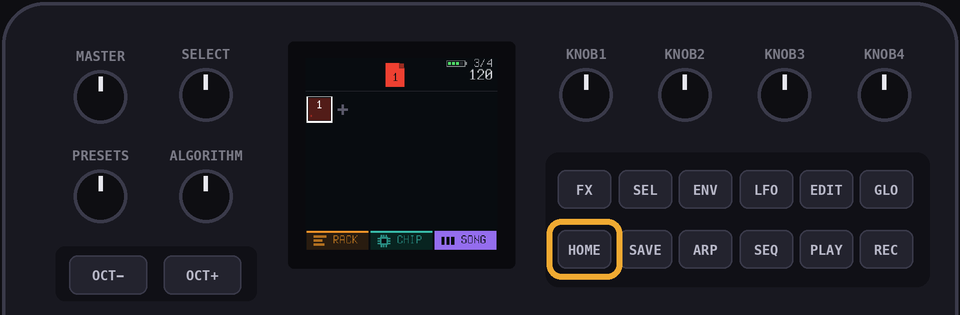
Hit
OCT+ to add a slot with a new page. It keeps the meter of the page before it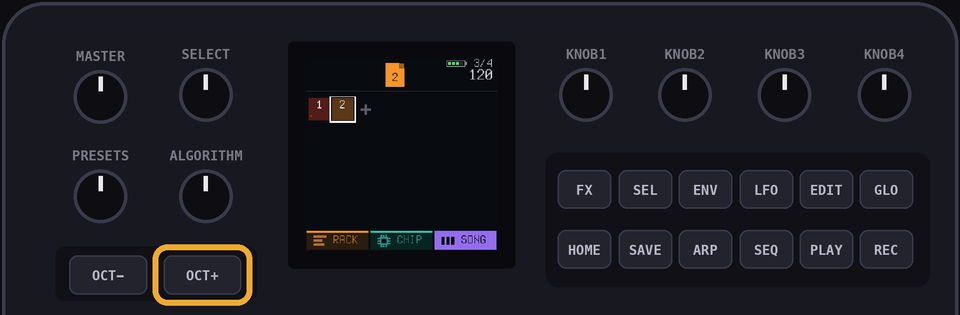
2A tempo of its own
Tap
EDIT to open the new page in the RACK view, then hit SEQTurn
KNOB 1. The tempo turns amber. This page plays at its own tempo now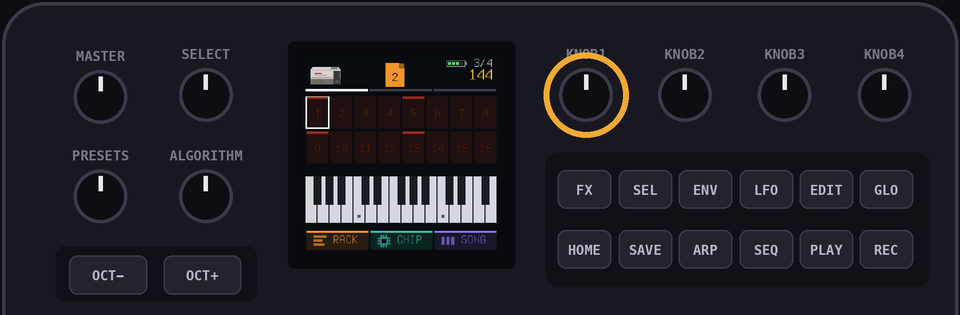
3Hear it
Hit
HOME until you're in the SONG view, turn SELECT to slot 1 and hit PLAY. The tempo changes the moment page 2 startsPROTIP: Turn
KNOB 1 back to the song's tempo and the page lets go. The amber goes awayPROTIP: Outside step entry,
KNOB 1 changes the tempo you see: the page's own if it has one, the whole song's if it doesn'tPROTIP: A new page starts with the tempo of the page before it