Drumlab MANUAL
ViewsSoundsStepsAccentsMuteChainTempoLocksEffectsLABA and BKitsSendProjectsMenuLessonsMIDIBackupNumbersRescue
1The three views
HOME flips between PATTERN, LAB and SEND.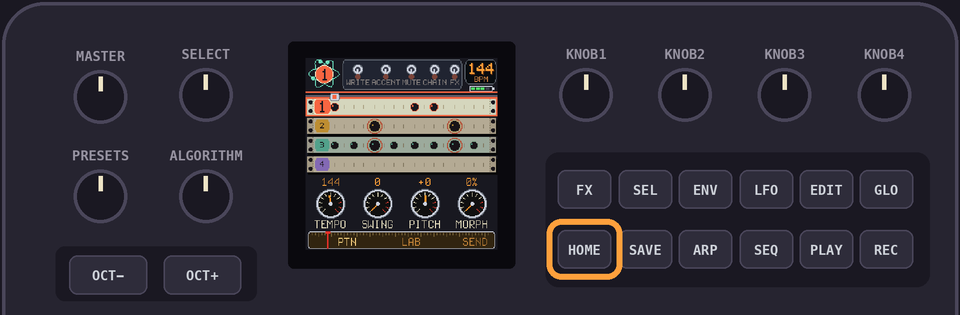
PATTERN is where you write the beat, LAB is where you shape the sounds, and SEND lets you push your masterpiece to a PO-32.
Hold
HOME to open the projects.GLO shows the help for the view you're on.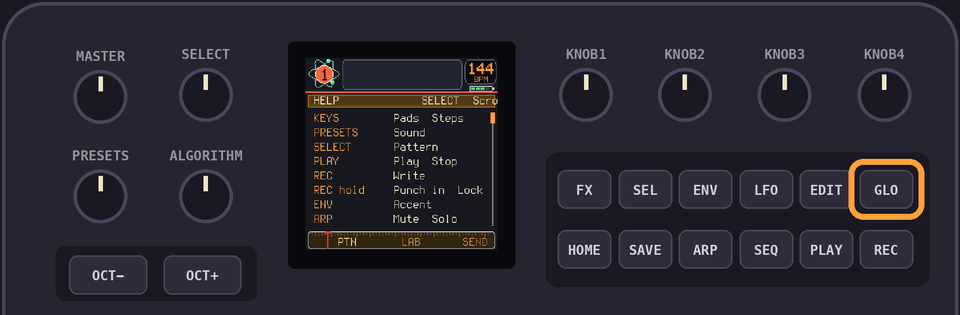
GLO + HOME opens the menu.PLAY plays and stops. SAVE saves.2Sounds and lanes
There are 16 sounds, on the 16 white keys as a 4 x 4 grid.
| Lane 1 | Lane 2 | Lane 3 | Lane 4 |
|---|---|---|---|
1 | 2 | 3 | 4 |
5 | 6 | 7 | 8 |
9 | 10 | 11 | 12 |
13 | 14 | 15 | 16 |
The columns are the 4 lanes. A lane plays one sound at a time, so a new hit cuts the old one.
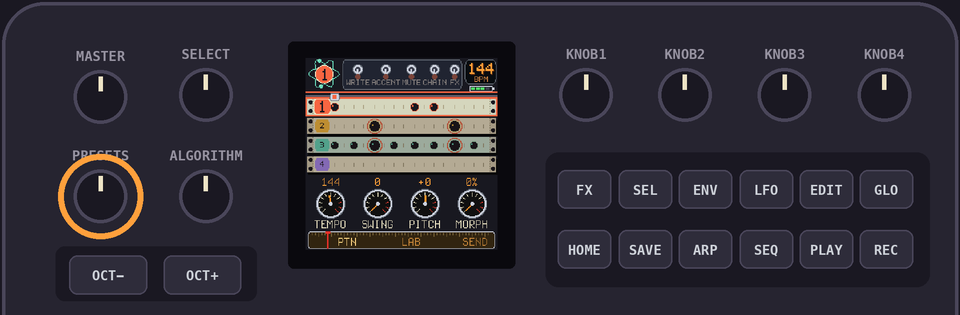
PRESETS picks a sound. The keys play them.Sounds 1 to 4 are a kick, a snare, a hat, and then 'something else' in every kit. This is just a recommendation, feel free to break up the sounds however you like!
3Writing steps
Tap
REC to turn WRITE on. The 16 keys represent the 16 steps.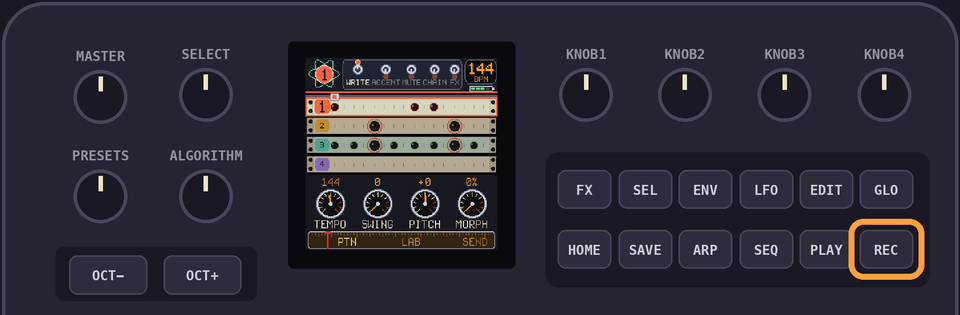
Pick a sound with
PRESETS, then press the steps it plays on. Press a step again to take it away. So far so good. Basically like every single drum machine ever made!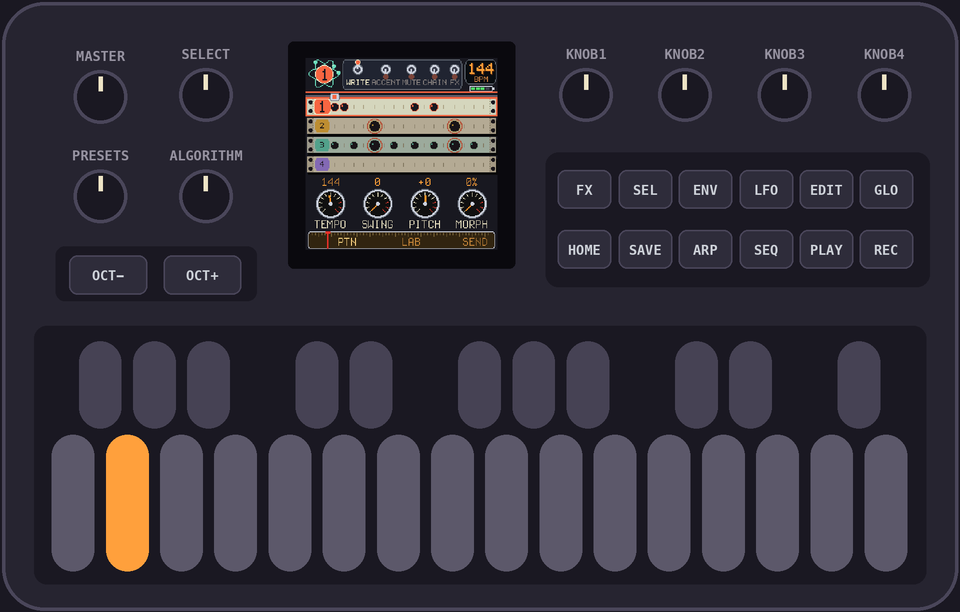
A step holds one sound per lane. Writing another sound of the same lane replaces it.
Hold
REC while it plays and press the pads. The hits land on the step nearest the playhead. AKA live recording mode!SELECT picks the pattern, 1 to 16.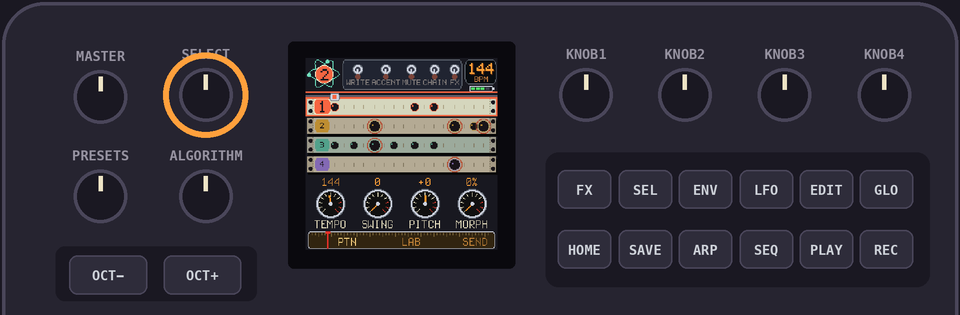
OCT+ copies the pattern to the next one.Hold
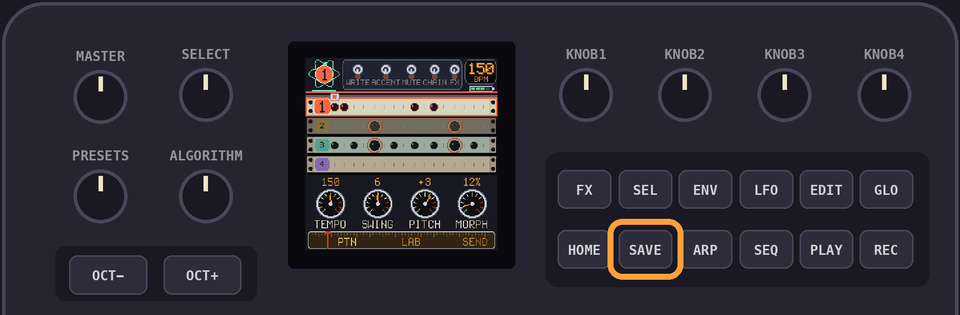
EDIT to clear the pattern.LFO takes back the last change to the pattern. One step back, and no redo. Kind of like 1 chance!Drumlab autosaves when it can, but if you really wanna be sure, then stop playing and dont touch anything for around 5 seconds!
4Accents
ENV turns ACCENT on. Press a step to accent it, or...unaccent it? Is that the right word. Unaccent. Sounds weird.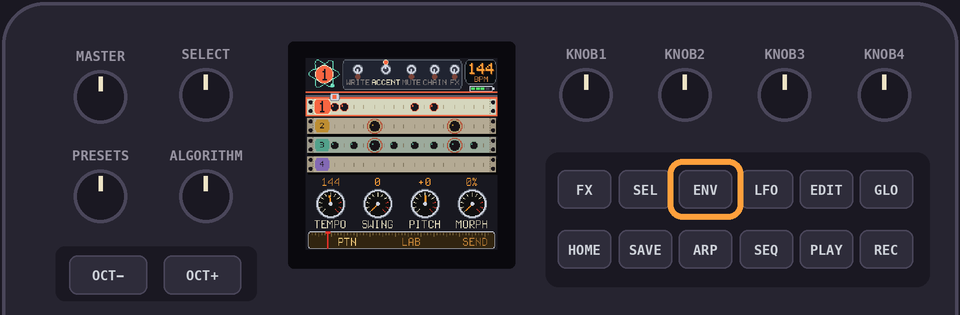
An accent is on the step, so every lane's hit on it is louder. Be careful of those random cowbells!
5Mute and solo
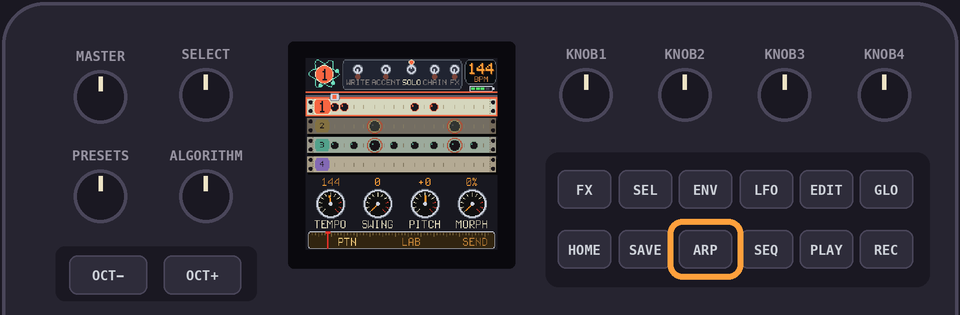
ARP once is MUTE, twice is SOLO, three times is off.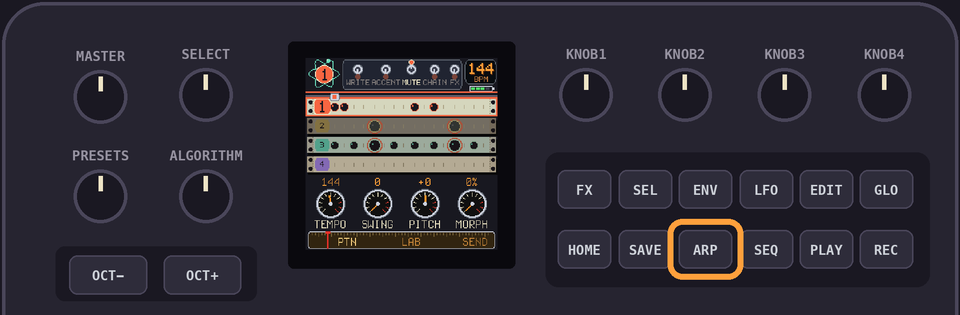
In either, a key picks its lane: keys 1, 5, 9 and 13 are lane 1, and so on. That's confusing isnt it? Just do 1,2,3,4. Whatever. I should probably review that...
6Chain
SEL turns chain mode on. The keys add patterns 1 to 16 to the chain.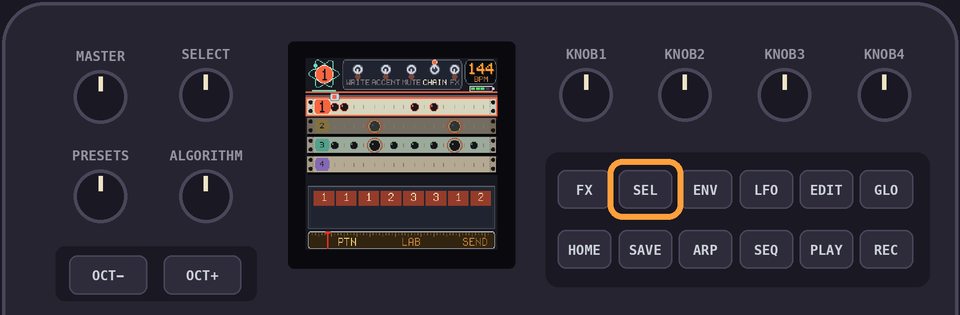
Tap
EDIT to take the last one off. Hold EDIT to clear the chain.With no chain, the pattern on show loops. Which is kind of obvious when you think about it, huh. Like a chain of length 1. But hey, gotta write it here! Future generations, and all that...
A chain holds up to 64 patterns. That's alotta patterns!
7Tempo and swing
KNOB 1 is the tempo, 60 to 240. Why did I limit it to 60, you may ask? Oh, no reason... nothing to do with a minute having 60 seconds, and a second having 1000ms, and it being all nice and easy to figure out...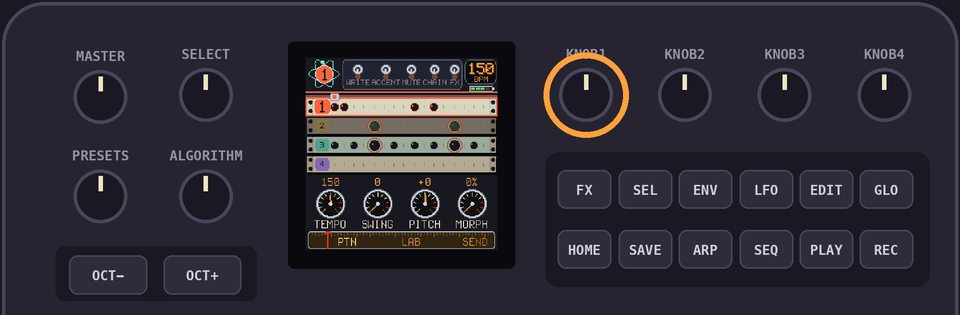
KNOB 2 is the swing, 0 to 12.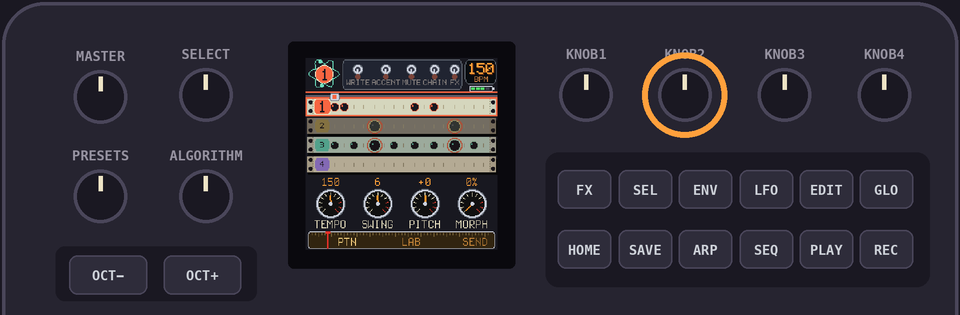
8Pitch and morph
KNOB 3 tunes the sound you picked and KNOB 4 slides it from patch A to patch B.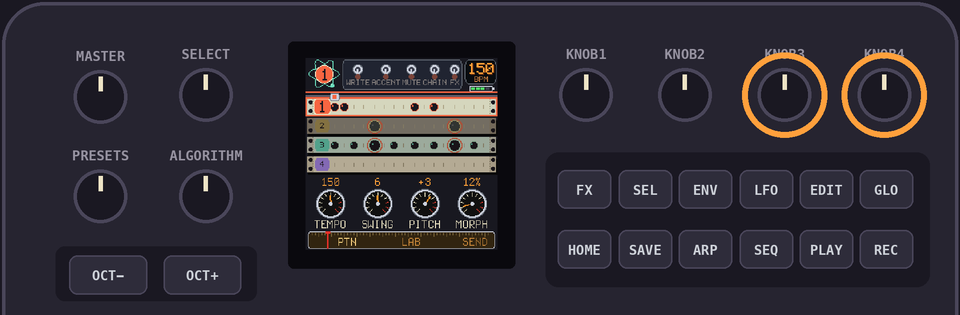
A step keeps the pitch and morph it was written with.
To change one step, hold its key in WRITE and turn
KNOB 3 or KNOB 4. That's a step lock, baby!To change many, hold
REC while it plays and turn the knobs. They write into the steps of the sound you picked as they pass.9Effects
Tap
FX and the 16 white keys become effects. Hold a key for its effect. Tap FX again to put them away. Or hold FX for the layer while you hold it.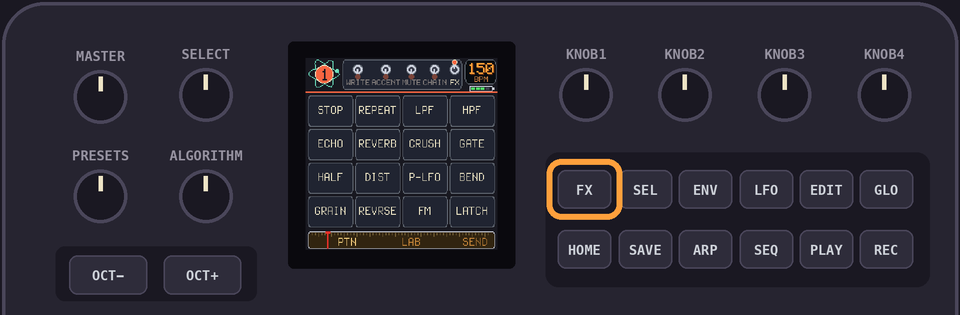
STOP | REPEAT | LPF | HPF |
ECHO | REVERB | CRUSH | GATE |
HALF | DIST | P-LFO | BEND |
GRAIN | REVRSE | FM | LATCH |
The 16 pads are the PO-32's effects: HALF, DIST, SQUASH, ECHO, P-LFO, EQ SW, MORPH, BEND, PUNCH, 6/8, REPEAT, REP 2, FM, GRAIN, REVRSE and BOUNCE. With WRITE on and the pattern playing, they are written into the steps as they pass.
With Brothers Link on (Sync set to Lead or Follow), the pads change. Pads 1 to 8 are the same on Chipbox, Smileyface and Drumlab, and they travel over Bluetooth: STOP, REPEAT, LPF, HPF, ECHO, REVERB, CRUSH and GATE.
Pads 9 to 15 are then seven of the PO-32's effects: HALF, DIST, P-LFO, BEND, GRAIN, REVRSE and FM. They are written into the steps as before.
Pad 16 is then the LATCH. With it on, a tap holds a pad on and the next tap lets it go.
With WRITE on, hold
FX and press nothing while it plays to wipe the effects from the steps as they pass.10The LAB view
PRESETS picks the sound.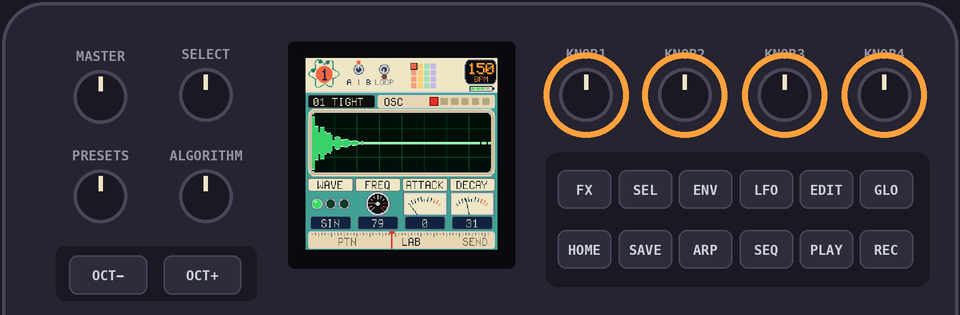
ALGORITHM flips through six pages. The four knobs set what the page shows.| Page | KNOB 1 | KNOB 2 | KNOB 3 | KNOB 4 |
|---|---|---|---|---|
| OSC | WAVE: SIN, TRI, SAW | FREQ | ATTACK | DECAY |
| MOD | MODE: DECAY, SINE, NOISE | RATE | AMOUNT | VELOC |
| NOISE | FILTER: LP, BP, HP | FREQ | Q | VELOC |
| ENV | SHAPE: EXP, LIN, MOD | ATTACK | DECAY | MIX |
| OUT | DIST | EQ HZ | EQ DB | LEVEL |
| SOUND | VELOC | PITCH | MORPH |
The sound plays a moment after you stop turning. The keys play the sound as you have it now.
Hold
EDIT while you turn for fine control: a click moves a tenth as far.PLAY loops the sound while you tweak.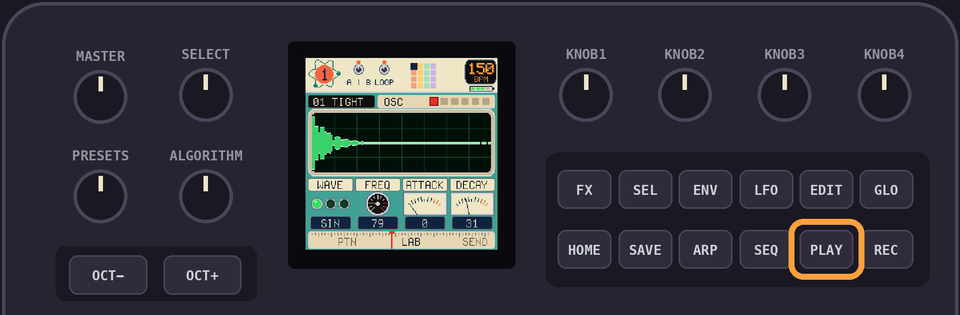
11Patches A and B
Every sound is two patches.
SEL picks the one you edit.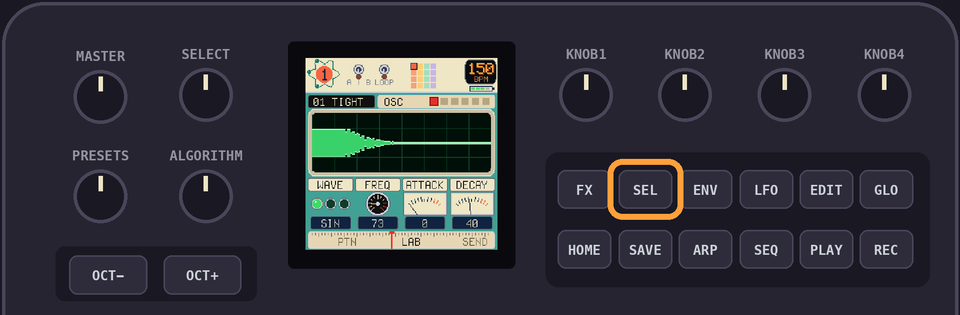
MORPH, on the SOUND page and on
KNOB 4, blends the two when the sound plays.MORPH in the FX layer plays every hit as patch B.12Kits
In the LAB view,
OCT+ opens the kits window. Every kit replaces all 16 sounds. Your patterns stay.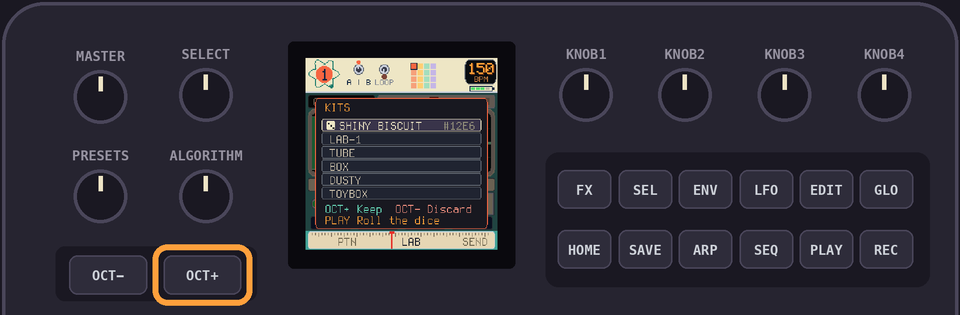
SELECT or PRESETS walks the list: a rolled kit, LAB-1 and the preset kits. Each plays as you land on it, and the keys play its sounds.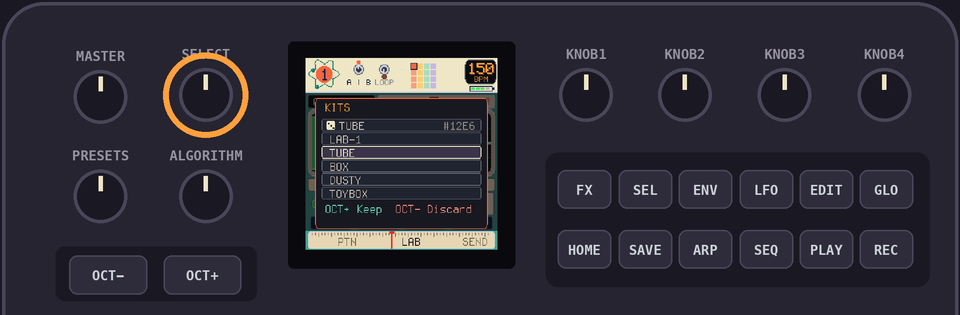
Preset kits: TUBE, BOX, DUSTY, TOYBOX, ELECTRO, SPACE, POCKET, ACID, CHIP.
On the rolled kit,
PLAY rolls another.OCT+ keeps the kit. OCT- puts the old one back.13Sending to a PO-32
In the SEND view, hit the
PLAY button. Now thank me later, but a warning appears.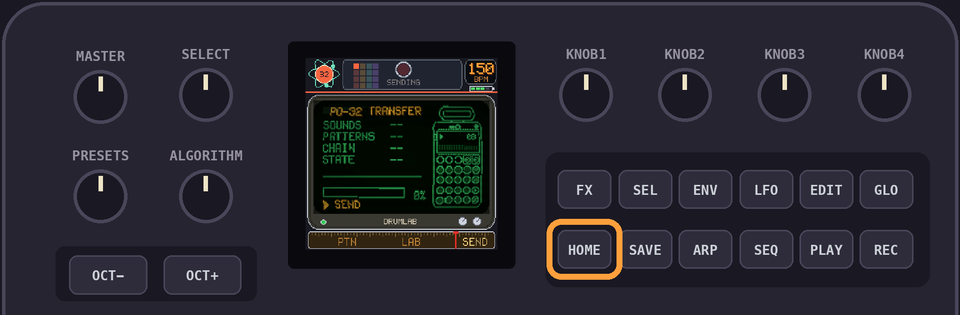
OCT+ sends all 16 sounds, A and B, the 16 patterns, the tempo, the swing and the chain.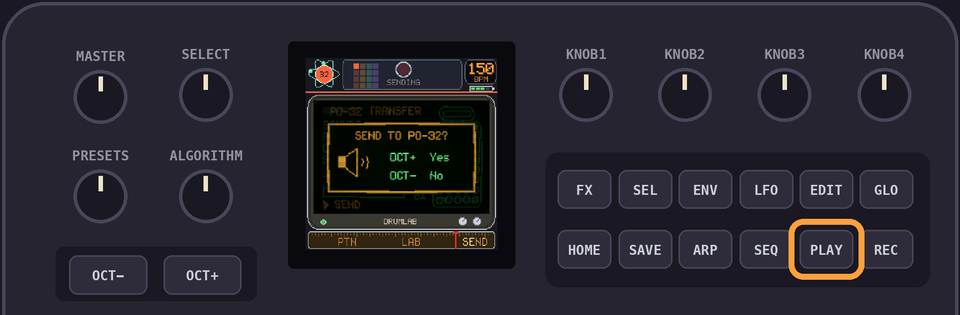
The tutorial has more information!
14Projects
Hold
HOME to open the projects. There are 12.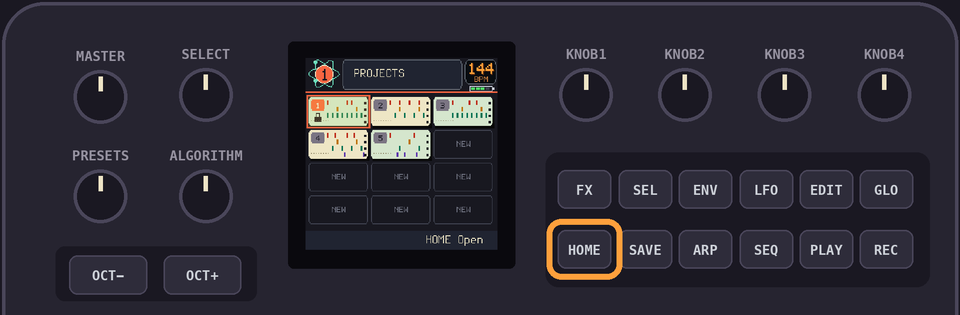
SELECT or PRESETS to pick one!HOME opens it. Hold HOME to close the list and stay where you were.Hold
EDIT to delete the selected project. The demo can go too, and then project 1 is yours. Restore Demos in the menu brings it back while that slot is empty.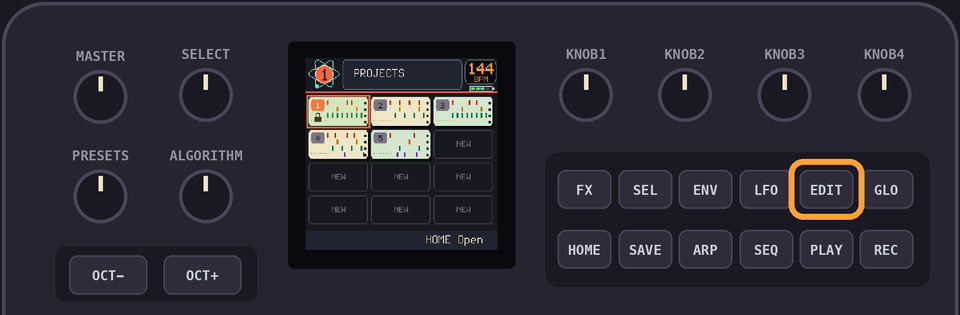
A new project starts from the LAB-1 kit. Whats the LAB-1 kit? Oh... you know.
15The menu
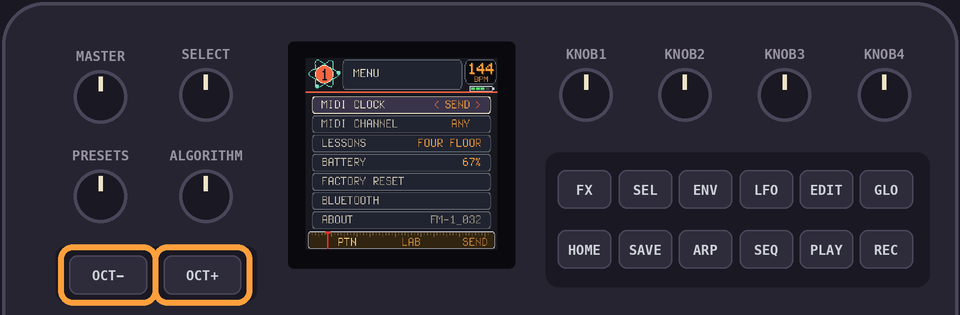
GLO + HOME opens it. SELECT or PRESETS picks a row, OCT+ and OCT- change it, HOME leaves.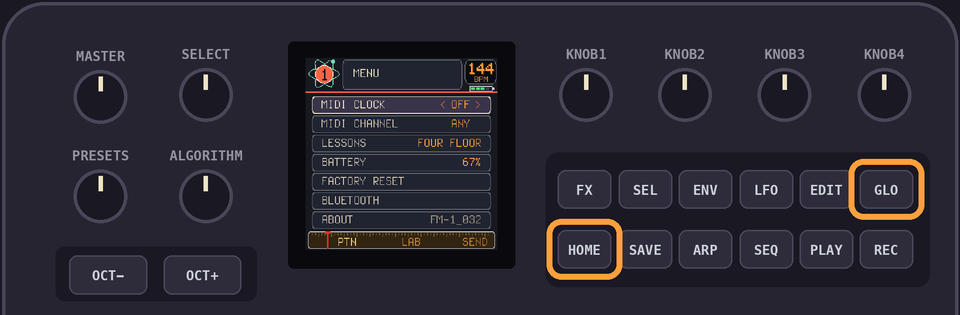
| Row | What it does |
|---|---|
| MIDI CLOCK | OFF, SEND or FOLLOW. |
| MIDI CHANNEL | ANY, or 1 to 16. Only notes and controllers from that channel come in. |
| LESSONS | KNOB 1 picks one, OCT+ starts it. |
| SHOW TIPS | YES shows a tip after five minutes of nothing. Any touch puts it away. |
| QUICK START ALWAYS | YES shows the quick start every time you switch on. A new device shows it once. |
| PROJECTS AT START | YES opens the projects when you switch on. |
| BATTERY | How full it is. |
| RESTORE DEMOS | OCT+ brings the demo back into project 1. It waits while a project of yours is there. |
| FACTORY RESET | OCT+ asks. Yes erases the projects and puts the demos back. |
| ABOUT | The firmware's name. |
SEND makes Drumlab the clock: 24 pulses a quarter note, with start and stop. FOLLOW takes the tempo from the clock coming in.
16Lessons
A lesson shows a pattern as rings to play in. Press the steps the rings are on. Like guitar hero, but slower, not a guitar, and not very heroic. But it'll teach ya how to use Drumlab!
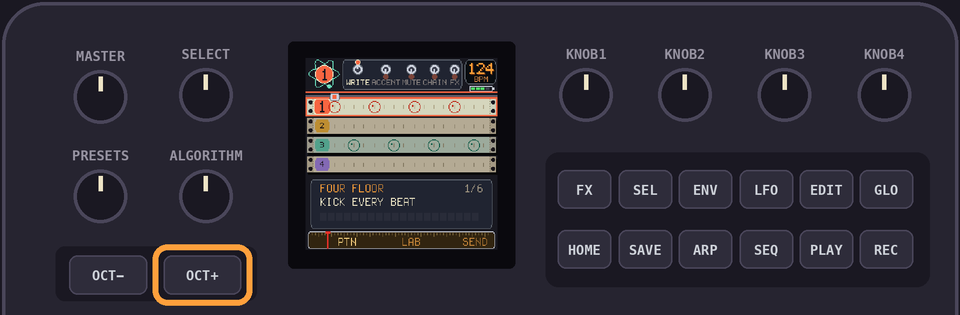
FOUR FLOOR, BACKBEAT, BOOM BAP, OFFBEAT HATS, ELECTRO, HAT ROLL.
HOME leaves. Your project comes back as it was.When every ring is filled,
OCT+ starts the next lesson.After those six come eighteen guided lessons. A card over the controls says what to do with your hands and goes green when you have done it. GLO puts the card away and brings it back. GLO + HOME leaves, and your project comes back as it was.
GET AROUND, PLAY A PAD, YOUR FIRST BEAT, SOUNDS, ACCENTS, TEMPO AND SWING, PITCH AND MORPH, PATTERNS, CHAIN PATTERNS, MUTE AND SOLO, PUNCH-IN FX, UNDO AND CLEAR, SOUND LAB, PATCH A AND B, ROLL A KIT, SOUND ENGINES, SEND TO THE PO-32, A BEAT FROM ZERO.
17MIDI
| Message | What it does |
|---|---|
| Notes 0 to 15, and 36 to 51 | Play the 16 sounds. On 36 to 51, a velocity over 110 is an accent. |
| Notes out | The pads send notes 36 to 51 on channel 10 whenever they sound. |
| Program change 0 to 15 | Picks the pattern. |
| CC 102 | 64 and up plays, below stops. |
| CC 103 | The tempo, divided by 2. |
| CC 104 | A value of 1 sends to the PO-32. |
| Clock, start, stop | Out when MIDI CLOCK is SEND, in when it is FOLLOW. |
While it follows a clock, the tempo turns cyan.
18Backup and restore
The Projects page downloads any project, or all of them in one file. It puts them back the same way.
A project is a
.drumlab file. A backup of everything is one .json.19The numbers
| Sounds | 16, each with patches A and B |
| Lanes | 4 |
| Patterns | 16 |
| Steps in a pattern | 16 |
| Chain | 64 patterns |
| Effects | 16 |
| Tempo | 60 to 240 bpm |
| Swing | 0 to 12 |
| Projects | 12 |
| Undo | 1 change |
20Updates and rescue
Install and update with the install page.
If your FM-1 is stuck, hold
OCT- while you plug it in. The install page takes it from there.